

How to Deposit Crypto With Mesh
Published on - Oct 23, 2025 at 06:41 AM
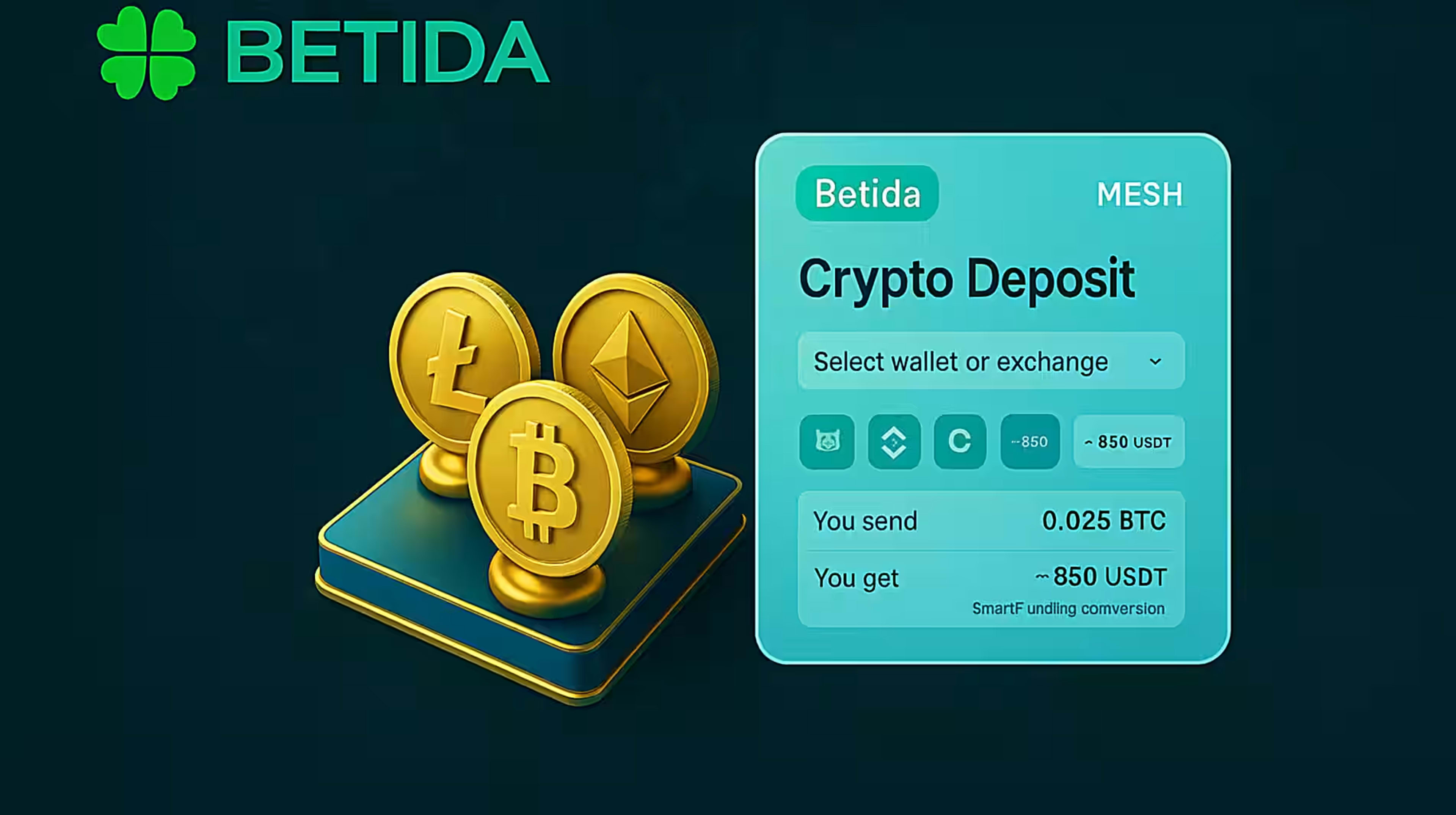
You can benefit from a fast and secure crypto deposit experience via Mesh with your Betida account.
How to Deposit Crypto into Your Betida Account with Mesh
Step-by-Step Guide
Betida focuses on one of the most important topics for crypto players:
fast, secure, and effortless deposits with cryptocurrency.
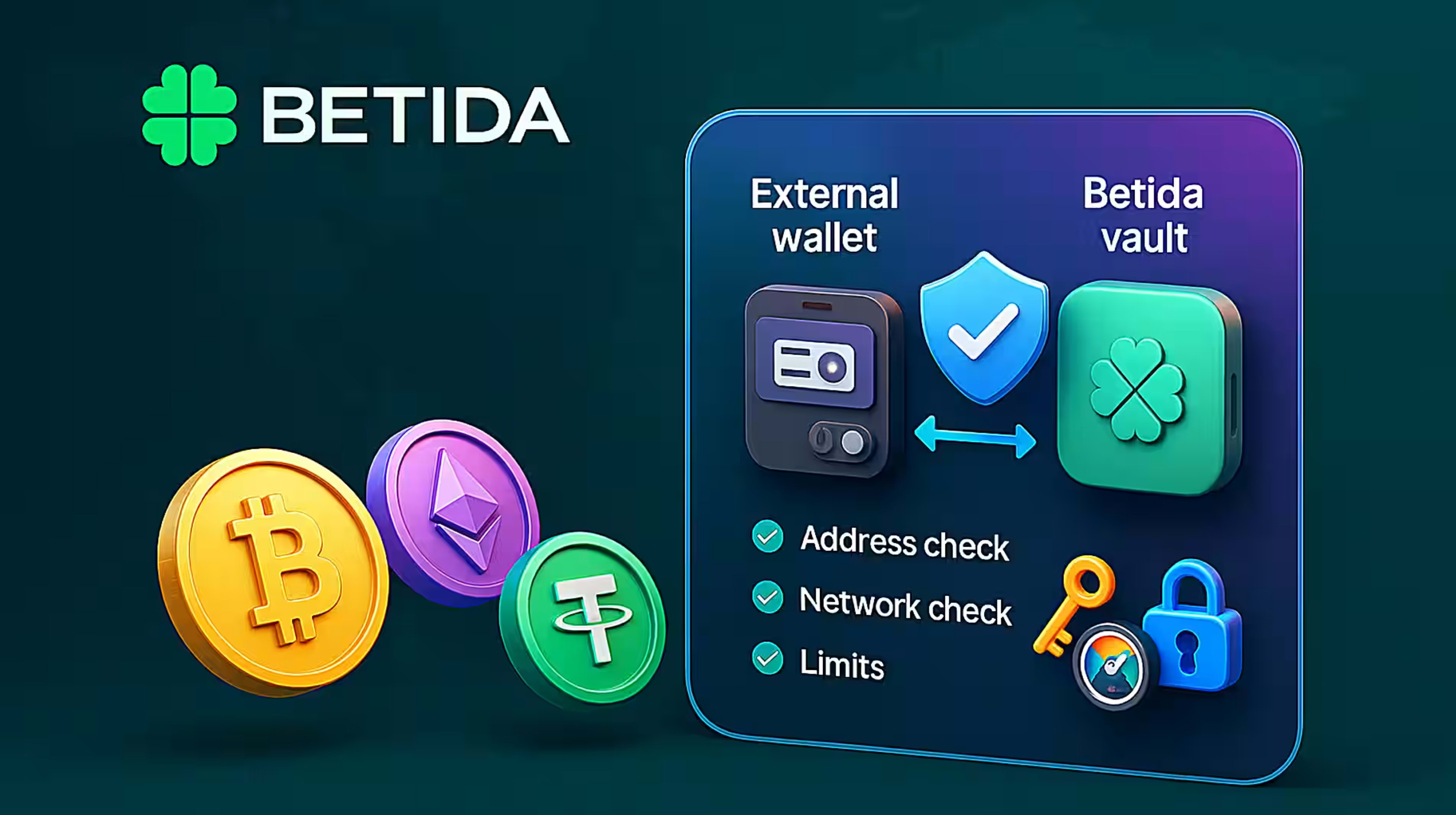
This is made possible through its integration with the global crypto payment network Mesh. Thanks to Mesh, you can use the assets in your existing exchange or wallet directly inside Betida without leaving the platform.
In this article, we explain how to deposit crypto into your Betida account with Mesh, which exchanges and wallets it works with, and the main advantages of this solution, step by step.
1. What Is Mesh and What Does It Do on Betida?
Mesh is an embedded crypto payment network that integrates with many crypto exchanges and wallets.
On Betida, Mesh basically does the following:
- Connects your existing exchange or wallet account to Betida securely.
- Allows you to see your balance and deposit directly from the same screen, without leaving Betida.
- Minimizes classic crypto mistakes like copying addresses, choosing the wrong network, or entering the wrong amount.
For you as a user, the result is:
less hassle, fewer errors, and much faster deposits.
2. Step-by-Step: Depositing Crypto to Betida with Mesh
The steps below summarize the general flow you will go through when depositing crypto to Betida via Mesh.
Step 1: Log in to your Betida account
- Log in with your Betida username or email and password.
- From the top menu or profile area, go to the “Wallet / Vault” section.
- Open the “Deposit” option.
Step 2: Select the Mesh deposit method
- Among the deposit methods, find the option named “Deposit Crypto with Mesh” (or a similarly labeled option).
- When you click this, the Mesh interface opens inside the Betida screen; you do not go to a separate website.
Step 3: Choose your exchange or wallet
On the Mesh screen, you will see a list of supported exchanges and wallets. For example:
Exchanges (examples):
- Binance
- Bybit
- Coinbase
- Kraken
- KuCoin
- Robinhood
- Regional exchanges such as BTC Turk
Wallets (examples):
- MetaMask
- Coinbase Wallet
- Trust Wallet
- Phantom
- Exodus
- Ledger and other hardware wallets
- Popular wallets like Rainbow, Blockchain.com, ZenGo, SafePal, Bitget, Crypto.com Onchain
From the services listed, select the exchange or wallet you already use.
Step 4: Connect your account securely
For the exchange or wallet you selected:
- Mesh shows you the official login/permission screen.
- You log in to the relevant service or confirm your existing session.
- You approve the transaction permissions (only the required read/transfer scopes are requested).
At this stage, Betida does not see your exchange/wallet password; the connection is established securely through the Mesh infrastructure.
Step 5: Choose the cryptocurrency and amount
- In the Mesh interface, you see your current crypto balances in the connected exchange or wallet.
- Choose the cryptocurrency you want to deposit into your Betida account (for example BTC, ETH, USDT, SOL, TRX, etc.).
- Enter the amount you want to deposit.
- On the confirmation screen, review the network fee and the summary details and then confirm the transaction.
Step 6: Confirm the transaction and check your balance
- After confirmation, the transaction is broadcast to the blockchain.
- Depending on the network congestion of the chain you selected, your Betida wallet balance will be updated in a few seconds or minutes.
- You can track the movement both in Betida’s transaction history and in the transfer records of your exchange/wallet.
3. Which Cryptocurrencies Can Be Used with Mesh?
Thanks to the Mesh integration, Betida supports deposits with many different cryptocurrencies. For example:
- BTC (Bitcoin)
- ETH (Ethereum)
- USDT (Tether)
- USDC
- LTC (Litecoin)
- SOL (Solana)
- TRX (Tron)
- DOGE (Dogecoin)
The list of supported cryptocurrencies may expand over time. You can always see the most up-to-date list on the “Deposit” → “Mesh” screen inside Betida.
4. Supported Exchanges and Wallets
Mesh is a global network that offers integrations with a large number of exchanges and wallets. This means:
- You can use the major exchanges where you already have accounts.
- You can use your frequently used hot or cold wallets.
You do not need to move your funds to a different place just to use Betida.
In summary:
- Global exchanges (Binance, Bybit, Coinbase, Kraken, KuCoin, Robinhood, etc.)
- Regional exchanges (for example, local crypto exchanges)
- Popular wallets (MetaMask, Trust Wallet, Phantom, Ledger, Exodus, etc.)
can all be connected to Betida from a single screen.
5. Advantages of Depositing Crypto on Betida with Mesh
5.1. Embedded, single-screen experience
- You complete the entire process—connecting an exchange/wallet and making the deposit—on the same page without leaving Betida.
- You do not have to deal with extra browser tabs, QR code scanning, or copying/pasting addresses.
5.2. Fewer errors and fewer failed transactions
- Because Mesh can read your actual balance, it reduces unnecessary attempts such as “insufficient funds”.
- It lowers the risk of classic blockchain errors like wrong address, wrong network, or missing note/memo.
For you, this means a more stress-free experience; for Betida, it means a smoother transaction flow.
5.3. Flexibility with the SmartFunding approach
In some scenarios, Mesh offers an intelligent funding approach where it uses the asset you hold, while balancing the target asset on the business side. This allows:
- You to make transactions without completely breaking up your portfolio.
- Betida to manage its treasury composition more efficiently.
5.4. Security- and compliance-focused infrastructure
The integration between Mesh and Betida is designed with compliance (KYB, AML, KYC, sanctions checks, etc.) and security in mind.
This framework:
- Protects your funds and data,
- Allows Betida to maintain its licensed and compliant structure while still providing modern crypto solutions.
6. Frequently Asked Questions
Do I need to create a separate Mesh account to deposit?
In most cases, no.
You connect the exchange or wallet account you already use to Betida via Mesh. Mesh simply acts as a secure bridge in between.
How long does a transaction take?
The authorization and approval flow on the Mesh side usually finishes within seconds.
The total time depends on the blockchain confirmation time of the cryptocurrency and network you choose (for example Bitcoin or Ethereum).
Are there extra fees?
As with every blockchain transaction, the network’s own network fee applies.
Any additional fees and limits will be shown on the deposit screen in Betida, and you can also review the latest details in Betida’s help content.
Will I be able to withdraw using Mesh as well?
This guide focuses primarily on depositing cryptocurrency with Mesh.
The withdrawal side of the Mesh integration may be activated as a separate phase, according to Betida’s development roadmap. When this feature goes live, a dedicated “Withdraw Crypto with Mesh” guide will also be published inside Betida.
7. Conclusion: Depositing Crypto to Betida with Mesh Is Now Much Easier
Thanks to the Mesh integration, Betida offers:
- Speed: You deposit from a single screen without jumping between platforms.
- Security: Your exchange/wallet credentials are not shared with Betida; the connection is managed through a secure interface.
- Practicality: Classic crypto risks like copying addresses or choosing the wrong network are significantly reduced.
If you already have a Betida account, you can try this new experience in just a few steps by choosing Mesh among the deposit options.
If you do not have an account yet, you can sign up quickly and use your favorite cryptocurrencies to enter the world of casino games, new slot releases, and sports betting on Betida.