

How Do I Deposit Funds into My Betida Account? – Overview
Published on - Nov 18, 2025 at 08:08 PM
This guide gives a high-level overview of how to deposit funds into your Betida account, which deposit methods are available (Mesh, Onramper, direct crypto transfers etc.), and what to check before confirming a deposit.
1. Before You Deposit
Before making your first deposit, make sure:
- Your Betida account is fully registered and you can log in,
- You understand Betida’s age and regional restrictions,
- You’ve read the basics of responsible gambling and Betida Smart bankroll management,
- You know which currency/coin you want to use as your main balance.
This avoids rushed decisions and mistakes (wrong coin, wrong network, etc.).
2. Accessing the Deposit Screen
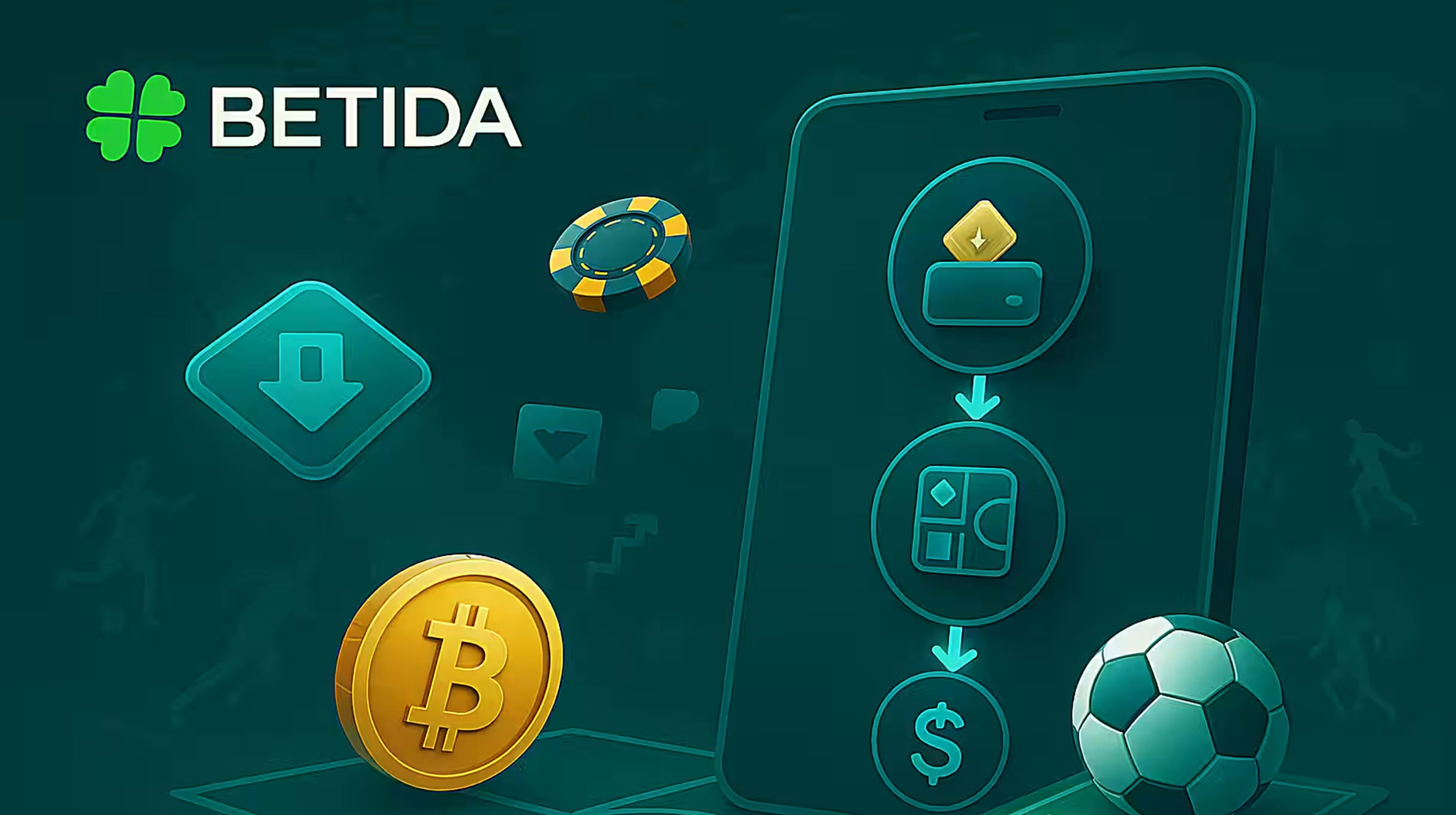
- Log in to your Betida account.
- Click the “Deposit” button (often in the top menu or Wallet section).
- A deposit panel will open where you can choose:
- Deposit method (Mesh, Onramper, direct blockchain transfer…),
- Currency/coin,
- Amount.
If there are welcome offers, you may see optional bonus checkboxes here.
3. Main Deposit Methods on Betida
Depending on your country and configuration, you may see:
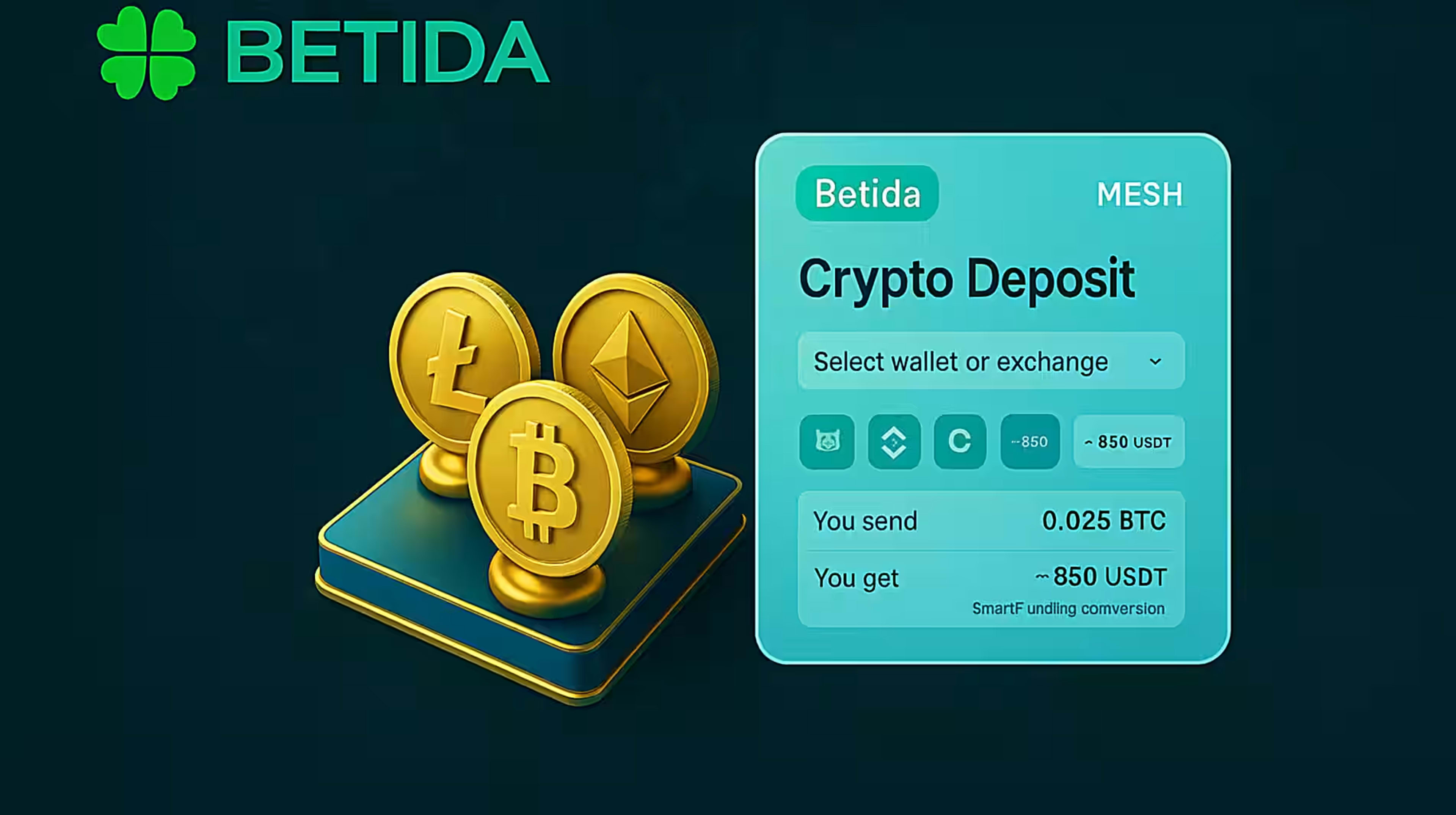
- Mesh (Account-to-account crypto)
- Connects to supported exchanges/wallets,
- Lets you deposit directly from your existing crypto account without copying addresses.
- Onramper (Card / local methods → crypto)
- Allows buying crypto with card or local payment methods,
- Sends crypto directly to your Betida-linked wallet.
- Classic blockchain transfer
- You get a unique deposit address for a chosen coin and network,
- You send crypto from your personal wallet to that address.
Available methods are dynamically shown based on region, KYC status and limits.
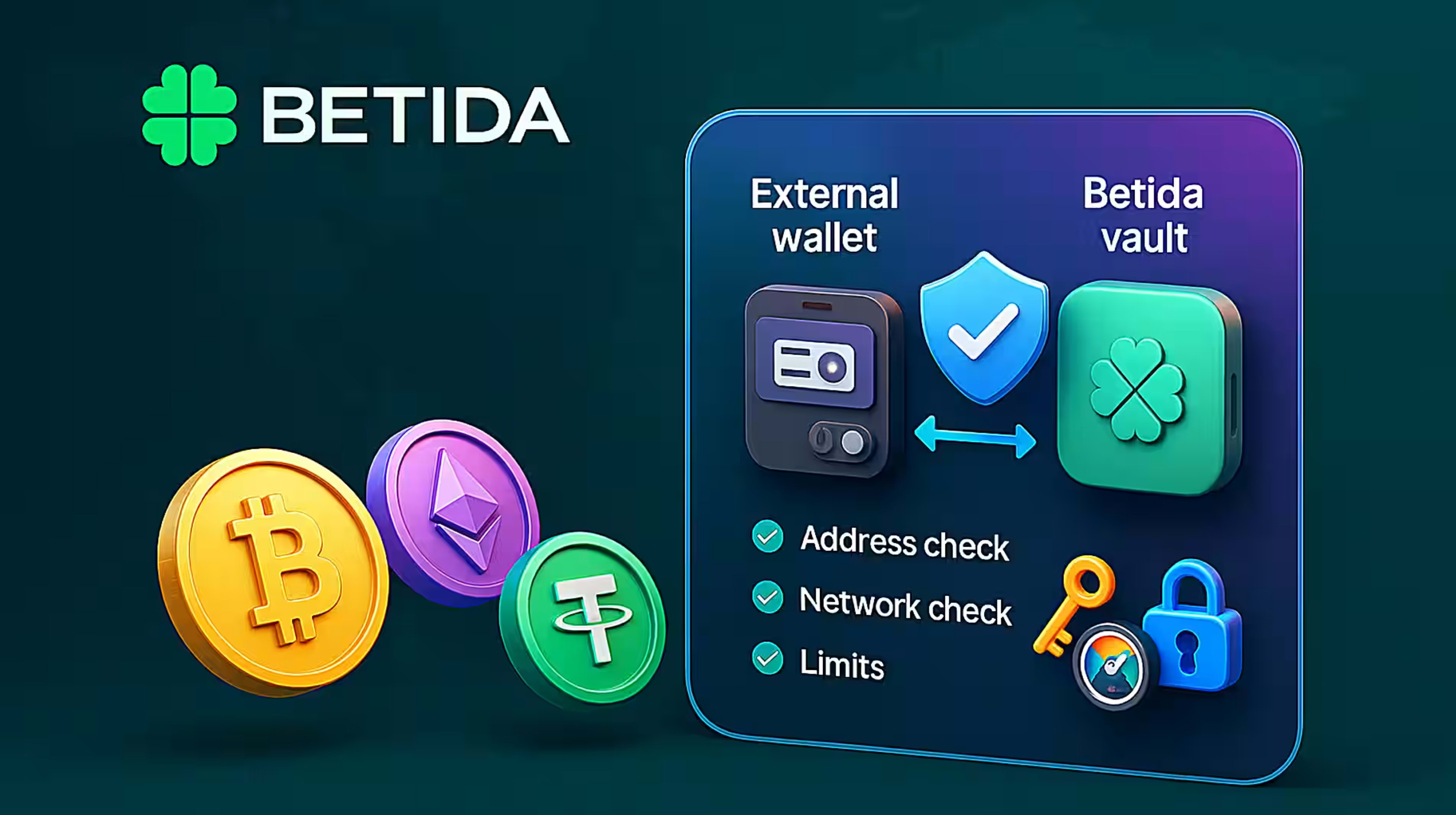
4. Double-Check Networks, Coins and Limits
For direct blockchain deposits in particular:
- Make sure you select the correct coin (e.g. USDT vs USDC vs BTC),
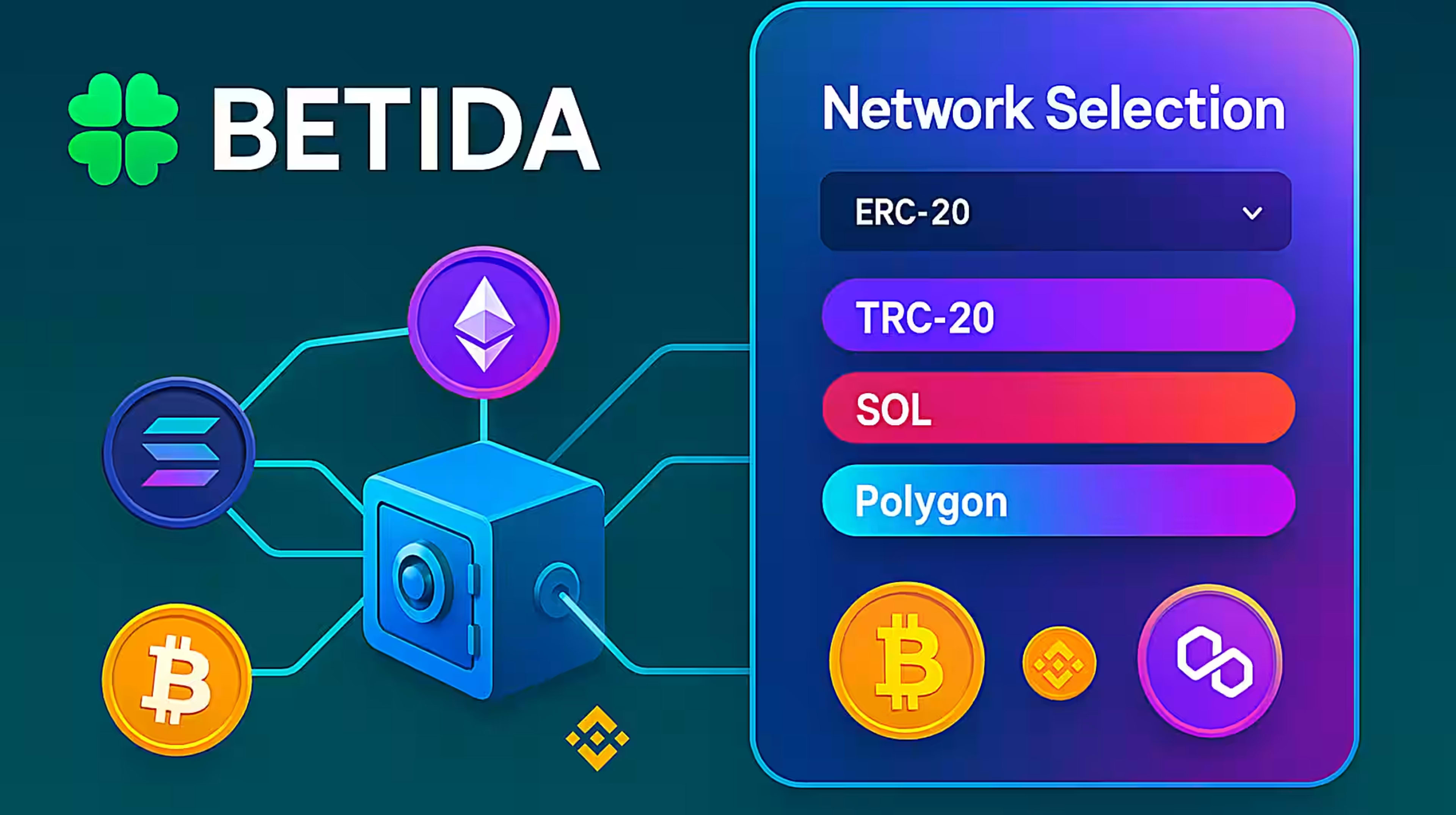
- Select the correct network (e.g. ERC-20, TRC-20, SOL, POL),
- Check the minimum deposit amount for that coin/network,
- Note any network fees that your sending wallet will charge.
Sending the wrong coin to an address or using an unsupported network can lead to irreversible loss of funds.
5. Confirming and Tracking Your Deposit
After you confirm:
- The deposit will show in your transaction history as pending,
- For instant methods (Mesh, some Onramper flows), it may credit within seconds or minutes,
- For blockchain transfers, you may need to wait for a certain number of confirmations.
If the deposit takes longer than expected:
- Check the status in Betida and in your sending wallet,
- Look at the transaction hash on a block explorer if available,
- Contact Betida support with the transaction details if needed.
6. Quick FAQ
Is there a fee to deposit on Betida?
Betida itself may not charge a fee, but network fees (for crypto) or payment provider fees (for card/Onramper) can apply. These are shown before you confirm.
Can I cancel a deposit after sending it?
Once a blockchain or payment has been sent, it usually cannot be cancelled. Always double-check amount, currency and address before confirming.